Model report5 min read
Suno V6 Is Now Live on Yihook: Three Models, Prices and Music Workflows
Create with Suno V6, V6 Wild and V6 Mini on Yihook. Standard generation costs 15 credits, Sounds costs 3, and results show the actual tracks returned.
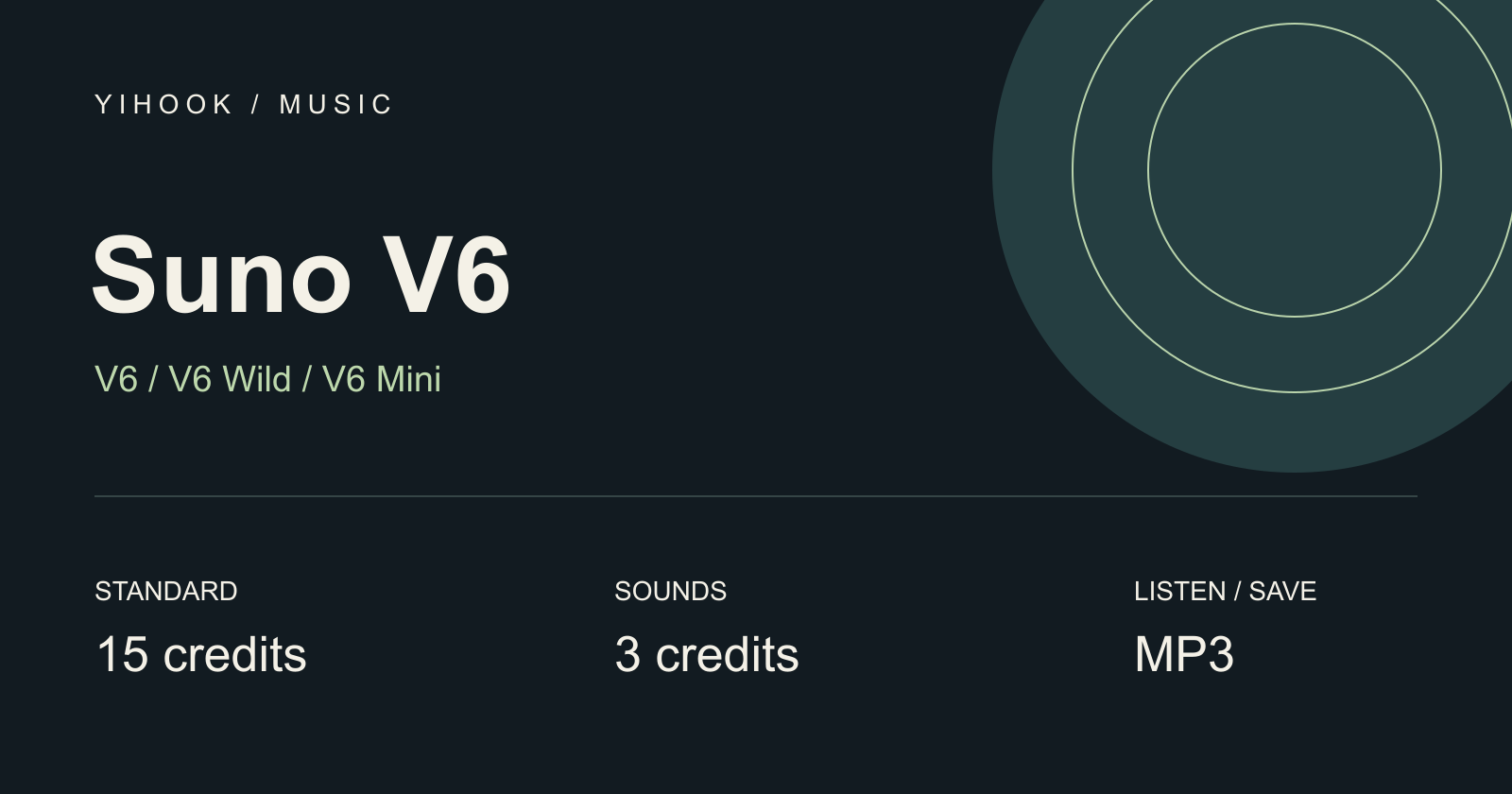
Suno V6 is now live on Yihook. Choose V6, V6 Wild or V6 Mini in the existing music workspace, then create from a description, write your own lyrics, or work with reference audio.
Standard generation costs 15 credits and Sounds costs 3 credits. The result list shows the actual number of tracks returned; a submission does not guarantee two songs.
Three Models in One Workspace
| Model | How to use it on Yihook |
|---|---|
| V6 | The default for a new music draft. Start with your description or written lyrics. |
| V6 Wild | An alternative V6 model you can select in the same form and compare using your own prompt. |
| V6 Mini | Another V6 option in the same workflow. Check the operation price before generating. |
All three models are available in simple, advanced and Sounds modes, as well as the existing Cover, Inspo and Add workflows. Yihook prices these operations by workflow; selecting Wild or Mini does not change the listed operation price. Model names alone do not promise a particular speed, quality or number of outputs.
Start With a Description or Your Own Lyrics
Simple mode: describe the genre, mood, instruments and intended use. For example:
Mid-tempo cinematic pop, piano and soft synthesizers, restrained narrative vocals, spacious verses and a chorus that gradually adds strings and drums.
Advanced mode: put written lyrics in the lyrics field and musical direction in the style field. You can also use the lyrics assistant before generating. Your selected mode determines how the inputs are used.
The simple description supports 3,000 characters, written lyrics 5,000, positive style 1,000 and title 80. Negative style supports 2,000. Counts use Unicode code points, including emoji. Oversized pasted text stays editable; correct it before submitting. The Sounds description and canvas music description each retain their 500-character limit.
Keep Creating With Reference Audio
- Cover: use an existing available track or upload audio to create a new interpretation.
- Inspo: select 1–4 reference tracks and describe the direction for the new music.
- Add Vocals / Add Instrumental: begin with uploaded audio and use the corresponding existing workflow.
- Style enhancement and lyrics: refine the style or generate lyrics before creating music.
- Voice roles: reuse an available Persona or create a voice role from audio you have permission to use. Listen to each result to assess vocal resemblance, lyric clarity and audio artifacts.
If a particular source or voice role is unavailable, replace or remove that item before continuing. Availability is checked per resource.
Current Credit Prices
These prices apply to all three V6 models. Review the total shown on the generation button before submitting.
| Operation | Credits |
|---|---|
| Standard generation / Cover | 15 credits |
| Inspo | 18 credits |
| Add Vocals / Add Instrumental | 15 credits |
| Sounds | 3 credits |
| Lyrics | 2 credits |
| Style enhancement / audio upload / Persona | 1 credit each |
| Create voice | 4 credits |
| Upload → Cover / Add Vocals / Add Instrumental | 16 credits |
| Lyrics description → standard generation | 17 credits |
| Lyrics description → Cover | 18 credits |
| Lyrics description → Inspo | 20 credits |
Random descriptions and built-in suggestions are free. Composite workflows show a total price for the task. A task that ends in failure receives a full refund; when some tracks are successfully saved, the partial result keeps those tracks and does not receive a refund.
Results, Playback and Downloads
The results area displays the actual number of tracks returned. If there is one result, you see one track; if there are more, each is listed individually. A partially saved result shows how many tracks are available.
Listen, favorite and download the available tracks as MP3. You can use an available track as a reference for the next creation. The canvas keeps its existing simple and Sounds workflows at 15 and 3 credits, with the same actual-result handling.
Continue From an Older Draft or Song
Older drafts keep their text, reference audio and voice role selections. Their model changes to V6 with a notice, and nothing is generated until you submit.
Historical tasks keep their original model labels. Use the form refill action to start from an older task, review the restored inputs and current price, then generate a new task. This is a new paid creation. Already accepted older tasks continue to be checked; an older task that cannot be submitted fails and receives its original charge back.
Make Your First V6 Track
Open the music workspace, select a model and mode, and describe the sound you want. Review the quoted credits, generate, then compare the available results by listening.

Ready to try it?
Put this playbook to workon your next piece.
Every prompt and workflow above runs as-is on the Yihook canvas. Start from a product shot or an idea, make the visuals and videos, and keep what works for your team.