Playbook10 min read
AI GIF Generator: Make Animated GIFs from Text
Create looping animated GIFs directly from text prompts. Explore commercial product showcase cases, parameter guides, and reproducible prompts.
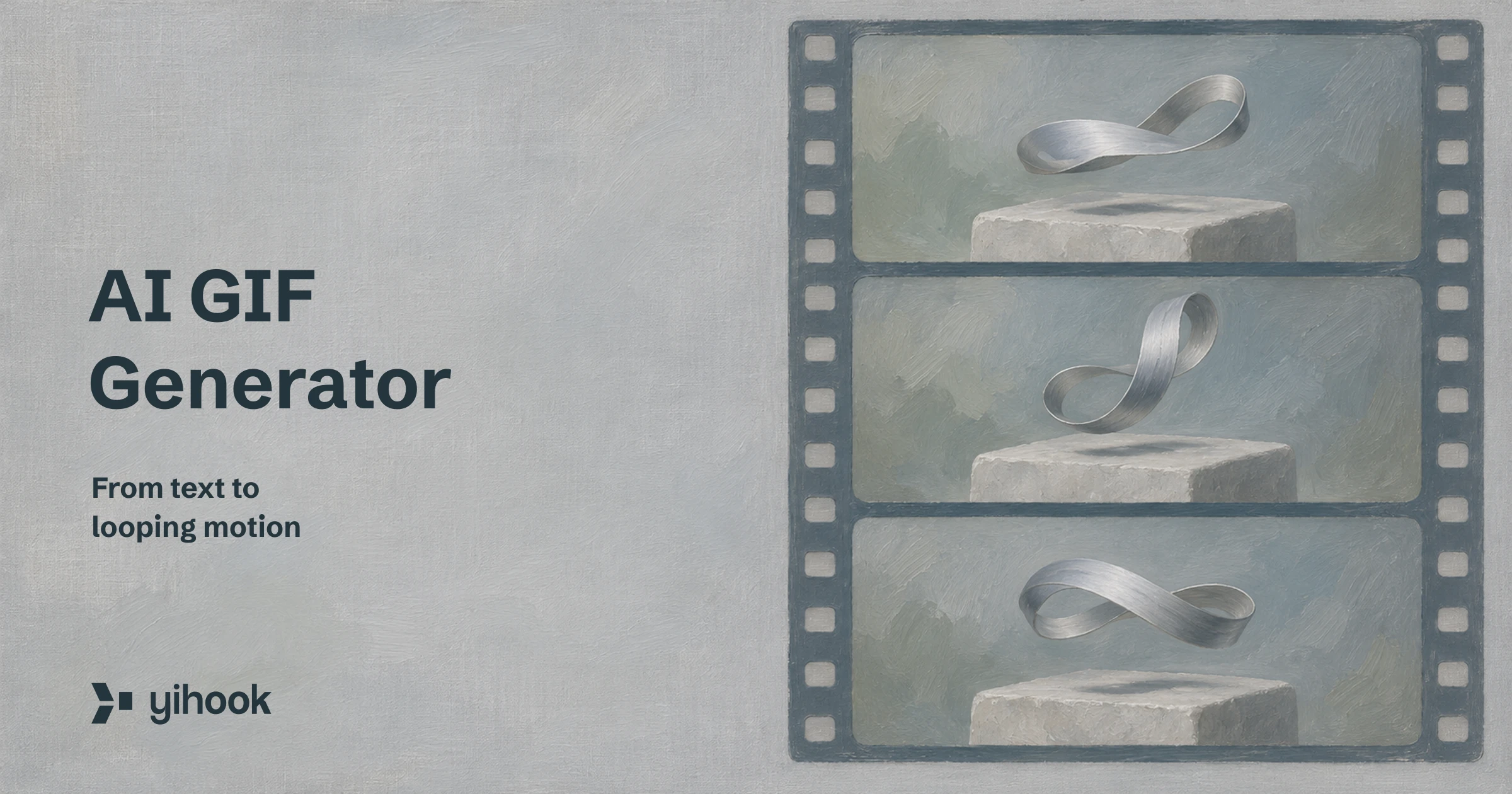
Generating animated GIFs from text has typically required stitching still frames together in external editing tools or running complex video-to-GIF pipelines. With native GIF output in GPT Image 2.6, creators and ecommerce brands can generate short, looping animated assets directly from a single written prompt.
This guide walks through the exact mechanics of generating AI GIFs from text, presents eight reproducible commercial cases with full prompts and parameter settings, explains the grid-based pricing model, and establishes realistic quality expectations for production use.
Three Steps to Generate a Looping GIF from Text
Creating an animated GIF using an AI model follows a structured three-step workflow:
- Write a motion-specific prompt: Describe the central subject, the precise movement (such as a 360-degree rotation, pulsing badge, or drawing sequence), background lighting, and loop parameters.
- Configure generation parameters: Select single-frame resolution (512×512 or 768×768), total frame count (2 to 16 frames), frame duration (100 ms to 500 ms), and image quality.
- Generate and export: The system synthesizes all frames simultaneously in a single rendering pass, compiles them into a standard
.giffile, and delivers an asset ready for ecommerce product pages, email marketing, or social media.
Unlike general AI video models that generate high-frame-rate video files requiring conversion and compression, native GIF generation focuses on lightweight, repetitive loops tailored for commercial interfaces. If you need scalable vector graphics instead of raster animations, explore our companion guide on the AI SVG generator.
Commercial Use Cases & Reproducible Prompts
The following eight cases were generated using GPT Image 2.6 Sunburst at medium quality. Each case demonstrates a practical commercial scenario, complete with prompt, output dimensions, frame settings, and published file size (approx., KB = 1000 bytes). Note that 768×768 cases (Cases 2, 3, and 6) underwent palette quantization compression without reducing dimensions, frame count, or duration, which may introduce color banding; this does not constitute a guarantee that raw model outputs are always ≤1 MB.
Product 360 & Dynamic Showcase
Dynamic product imagery helps buyers inspect packaging, silhouette, and finish without requiring interactive 3D viewers.
Case 1: Skincare Serum Bottle 360-Degree Rotation
A smooth packaging rotation designed for cosmetic storefronts and catalog detail pages.

A frosted glass skincare serum bottle with a gold cap slowly rotating 360 degrees on a white stone pedestal, soft studio lighting, clean light grey background, camera fixed, seamless loop
- Frame Resolution: 512×512 px
- Frame Count: 12 frames
- Frame Duration: 100 ms (0.1s per frame)
- Published File Size (approx., KB = 1000 bytes): 558 KB
Case 2: Running Sneaker Bouncing Motion
An energetic bounce loop highlighting footwear silhouette and sole cushioning for lifestyle marketing.

A white running sneaker bouncing up and down with a soft shadow on a pastel lilac background, product ad style, camera fixed, seamless loop
- Frame Resolution: 768×768 px
- Frame Count: 12 frames
- Frame Duration: 100 ms (0.1s per frame)
- Published File Size (approx., KB = 1000 bytes): 995 KB (palette-quantized; dimensions, frame count, and duration retained; color banding may occur)
Case 3: Lipstick Swatch Shade Transition
A staged product demonstration where color shades step progressively across cosmetic swatches.

A lipstick swatch on a white card changing shade step by step from nude to coral to deep red, clean flat lay, soft daylight, camera fixed, seamless loop
- Frame Resolution: 768×768 px
- Frame Count: 8 frames
- Frame Duration: 300 ms (0.3s per frame)
- Published File Size (approx., KB = 1000 bytes): 984 KB (palette-quantized; dimensions, frame count, and duration retained; color banding may occur)
Promotional Badges & Marketing Motion
Subtle motion draws visitor attention to seasonal discounts and shipping offers without cluttering editorial layouts.
Case 4: 50% OFF Sale Badge Pulse
A vector-styled promotional badge with expanding radiance for homepage announcement banners.

A flat vector style round sale badge reading "50% OFF" gently pulsing with small sparkles appearing around it, bold red and white colors on a clean cream background, seamless loop
- Frame Resolution: 512×512 px
- Frame Count: 8 frames
- Frame Duration: 200 ms (0.2s per frame)
- Published File Size (approx., KB = 1000 bytes): 441 KB
Stickers & Mascot Animations
Playful character loops enhance brand personality across customer service chats, onboarding modals, and mobile app empty states.
Case 5: Orange Cat Mascot Waving Sticker
A mascot graphic framed with a clean white die-cut sticker outline for chat and social interactions.

A cute cartoon orange cat mascot waving hello with one paw, sticker style with a thick white outline, plain light blue background, seamless loop
- Frame Resolution: 512×512 px
- Frame Count: 9 frames
- Frame Duration: 200 ms (0.2s per frame)
- Published File Size (approx., KB = 1000 bytes): 745 KB
Atmosphere & Mood Scenes
Atmospheric loops bring natural ambient warmth to lifestyle headers, blog covers, and editorial content.
Case 6: Cozy Coffee Cup Steam Atmosphere
A gentle looping scene showing rising steam and warm morning light for editorial headers and hospitality branding.

A ceramic coffee cup on a wooden table by a window with gentle steam rising, warm morning sunlight, cozy cafe mood, camera fixed, seamless loop
- Frame Resolution: 768×768 px
- Frame Count: 9 frames
- Frame Duration: 200 ms (0.2s per frame)
- Published File Size (approx., KB = 1000 bytes): 961 KB (palette-quantized; dimensions, frame count, and duration retained; color banding may occur)
Brand Identity & Typography Motion
Animated typography and logo reveals provide lightweight motion for web hero banners and newsletter footers.
Case 7: Minimalist Leaf Logo Line Reveal
A sequential stroke-by-stroke outline animation depicting a sustainable brand mark forming in real time.

A minimal green leaf logo drawing itself line by line on a white background, then holding the finished mark, clean vector line art, seamless loop
- Frame Resolution: 512×512 px
- Frame Count: 16 frames
- Frame Duration: 100 ms (0.1s per frame)
- Published File Size (approx., KB = 1000 bytes): 164 KB
Case 8: "NEW ARRIVAL" Typographic Reveal
A bold poster headline that reveals characters sequentially before pausing on the completed message.

The words "NEW ARRIVAL" appearing letter by letter in bold black poster typography on a warm beige background, then holding the full text, seamless loop
- Frame Resolution: 512×512 px
- Frame Count: 12 frames
- Frame Duration: 200 ms (0.2s per frame)
- Published File Size (approx., KB = 1000 bytes): 731 KB
Parameter Breakdown: Frame Count, Size, and Duration
Fine-tuning parameters directly impacts visual fluidity, file weight, and output stability. The AI GIF generator provides several dedicated controls:
- Single-Frame Resolution: Available in 512×512 px and 768×768 px. The 512×512 setting is ideal for mobile UI elements, badges, and avatars. The 768×768 setting provides sharper detail for standalone product cards and hero banners.
- Frame Count: Supports 2 to 16 frames at 512×512 px. At 768×768 px, frame count is capped at 12 frames to remain within the model's canvas size ceiling. Setting a frame count above 12 when switching to 768×768 will automatically adjust down to 12.
- Frame Duration: Selectable intervals of 100 ms (10 fps), 200 ms (5 fps), 300 ms (3.3 fps), and 500 ms (2 fps). In our benchmark cases, rotations and bounces used 100 ms, steam and pulses used 200 ms, and shade transitions used 300 ms; in practice, you can experiment with different intervals and inspect the results.
- Rendering Quality: Five selectable tiers ranging from Low to Max. The benchmark samples in this guide use medium.
Cost & Pricing Logic: Why More Frames Aren't Always More Expensive
A common assumption is that generating more frames costs proportionally more. In reality, the upstream model does not generate and charge for each frame independently. Instead, all frames are arranged and rendered as a single stitched contact sheet (sprite sheet) in one operation.
The sprite sheet uses four discrete grid tiers:
- 2–8 frames: Arranged in a 4×2 grid
- 9 frames: Arranged in a 3×3 grid
- 10–12 frames: Arranged in a 4×3 grid
- 13–16 frames: Arranged in a 4×4 grid (available at 512×512 only)
Pricing is tied directly to the sprite sheet grid tier rather than individual frame count. Under the same model, frame resolution, quality tier, and segment count, any frame count falling within the same grid tier shares the exact same price: generating 10, 11, or 12 frames incurs the identical cost because all three share the 4×3 grid layout.
Furthermore, under the same model, frame resolution, quality tier, and segment count (single-segment quote), generating 12 frames (4×3 grid) does not cost more than generating 9 frames (3×3 grid). Changing frame duration controls animation pacing only and does not affect the quote. The fixed credit quote is presented transparently in the interface before you generate, eliminating post-generation surprises.
Realistic Boundaries & Beta Limitations
To maintain realistic expectations when designing for client deliverables, consider the following technical boundaries:
- Reference Image Constraints: GPT Image 2.6 GIF mode supports up to 16 reference images (+2 credits per reference image per GIF segment) to guide the subject and style, while markup and masking remain unsupported. Reference images do not guarantee frame-by-frame pixel consistency across the sprite sheet. See our Image to GIF and SVG guide for workflows and examples.
- Independent Frame Synthesis: While the model attempts to generate consecutive temporal states across the grid, each frame is generated as part of a single visual pass. Slight shape drift, line variation, or micro-jitter can occur between adjacent frames.
- Loop Continuity: Including
seamless loopspecifies loop intent; you can try using a fixed camera and a single action, but jumps between the initial and final frames may still occur. - No Transparent Backgrounds: All GIFs are rendered with opaque backgrounds. Transparent Alpha channels are not supported in GIF generation mode. If you need transparent assets, consider generating static PNGs with transparency or using the SVG vector generator.
- Beta Phase: The GIF generation capability is currently labeled as Beta while upstream stability and frame coherence continue to mature.
Generating GIFs in the Yihook Workspace
Inside Yihook, GIF generation is integrated directly into the image creation workflow across the generation page and the Creative Canvas:
- Open the model selector and pick GPT Image 2.6 Flare or GPT Image 2.6 Sunburst.
- In the parameter panel, switch Output Format from "Image" to GIF Motion (Beta).
- Optionally upload or select up to 16 reference images (+2 credits per reference image per GIF segment). The markup and masking entry remains disabled because GIF mode does not support markup editing (any existing markup layer is kept locally without being submitted).
- Set your single-frame size, frame count, and frame duration. The interface immediately calculates and displays the fixed credit quote for that specific grid tier.

Once rendered, the resulting .gif asset can be previewed directly inside the workspace canvas, saved to your asset library, or downloaded directly for deployment.
FAQ
How does an AI GIF generator create animations from text prompts?
The generator interprets your text prompt, establishes the subject and motion trajectory, and renders all required animation frames simultaneously onto a single composite sprite grid. Once the grid is generated, the backend slices each sub-frame and packages them into a standard, looping .gif container with your chosen frame duration.
Can I upload an existing static photo or sketch to create an animated GIF?
Yes. GPT Image 2.6 Flare and Sunburst now accept up to 16 reference images in GIF mode (+2 credits per reference image per GIF segment), while markup and masking remain unsupported. Reference images constrain the subject and style rather than guaranteeing frame-by-frame pixel fidelity. For preparation tips and sample prompts, read our Image to GIF and SVG guide.
Why do some AI-generated GIFs show frame jumps or slight shape shifts?
Because the model synthesizes each frame within an interconnected visual grid rather than rendering continuous 3D physics, subtle variations in contour, perspective, or lighting can emerge between frames. You can try using a fixed camera angle and a single action, though frame shifts and jumps may still occur.
How do frame count and single-frame resolution affect pricing and file size?
Under the same model, frame resolution, quality tier, and segment count, any frame count within the same grid tier shares the exact same price (for example, generating 10, 11, or 12 frames falls into the same 4×3 grid tier and costs the exact same credit amount); changing frame duration alone does not affect the quote. File size, however, scales with pixel dimensions, frame count, and visual complexity: published asset file sizes in this benchmark ranged between approximately 165 KB and 746 KB for 512×512, and 962 KB to 996 KB for 768×768 (following palette quantization compression without reducing dimensions, frames, or duration; color banding may occur). This does not guarantee that raw model outputs are always ≤1 MB.
Can I generate animated GIFs with transparent backgrounds?
No. Native GIF output does not support transparent alpha channels. All frames are generated with fully rendered backgrounds. To ensure clean integration into websites or apps, we recommend specifying clean, solid background tones (such as white, light cream, or light grey) in your prompt.
What prompt structure produces the cleanest commercial product GIFs?
Effective product prompts should define five components: a specific physical object with exact materials (e.g., "frosted glass skincare serum bottle with a gold cap"), an isolated pedestal or clean surface, a single simple movement (e.g., "slowly rotating 360 degrees"), an explicitly fixed camera angle ("camera fixed"), and a loop intent ("seamless loop"). Avoid mixing multiple simultaneous actions in one prompt.
Start Creating Animated GIFs from Text
Native AI GIF generation can be used to experiment with creating product cards, promotional badges, and brand stickers.
Explore the generation page to test your own prompts, review our pricing page for credit tier details, or consult our GPT Image 2.6 guide to learn more about the broader model family.
Ready to try it?
Put this playbook to workon your next piece.
Every prompt and workflow above runs as-is on the Yihook canvas. Start from a product shot or an idea, make the visuals and videos, and keep what works for your team.